



























How to play
Choose a picture from the gallery, or play the puzzle of the day, and choose how many pieces you want: from 9 to 256.
For a real challenge, try the abstract paintings: with no shapes to recognise, only colour, texture and the cut of the pieces help you.
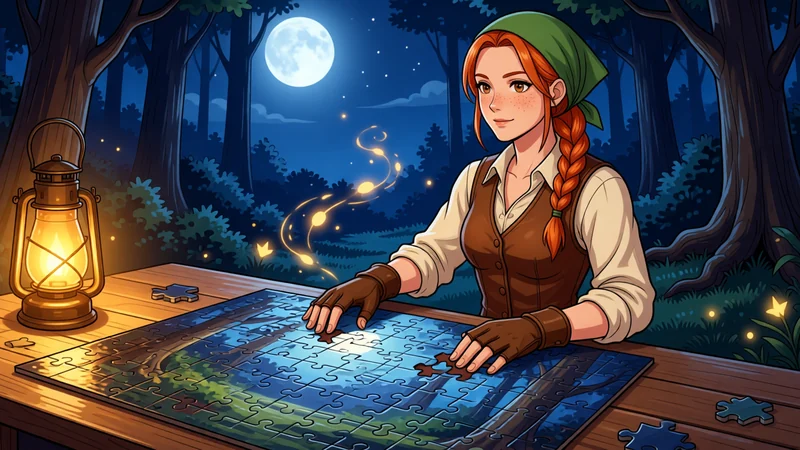
Drag a piece close to its place: when it is near enough it snaps in and stays fixed. Two neighbouring pieces that fit together also join outside the board and then move as one, as in a real jigsaw.
From 100 pieces on, the loose pieces wait in a tray: drag them onto the table, or tap one to bring it out. “Edges only” leaves just the pieces with a straight side.
Each picture keeps its own puzzle: close the page and come back later to finish it. The pictures you complete get a gold seal in your album, with your best time for each number of pieces.
Hourglass mode (choose it under the table): the sand keeps falling while you play. Groups of joined pieces of the size shown, on the board or on the table, and full edges are sealed and give you extra sand; when the sand runs out, everything not sealed is scattered again. Finish in fewer rounds for more stars. On the puzzle of the day it becomes the daily challenge: same picture and same cut for everyone.
Tips
- Start with the corners and the edges: they are the pieces with straight sides. In the big puzzles, “Edges only” finds them for you.
- Sort the pieces by colour and texture — sky, leaves, stone — and build small groups on the table before taking them to the board.
- Look at the tabs and the holes: a piece only fits where its shape matches its neighbours.
Controls
- Mouse or touch: drag a piece (or a group of joined pieces) and let go of it near its place. On a phone, drag on an empty part of the table to scroll the page.
- Zoom: mouse wheel, pinch with two fingers or the zoom buttons. When zoomed in, drag an empty part of the table to move around it.
- Keyboard: arrows choose a piece, Enter picks it up, arrows move it over the board, Enter drops it and Escape puts it back. + and − zoom in and out.