
PuzzleLedge, now as an app
76 free logic, word, card, action and adventure games, one tap away on your home screen.
Free · no app store · no sign-up
Play in your browserWhy install it
- Opens full screen, without the browser bars.
- Its own icon on your home screen, next to your other apps.
- Fast and light: no app store, and it doesn’t take up space like a regular app.
- Playing offline is a VIP perk: with VIP you download the games you want and play them without internet. Everything else is free for everyone. See VIP
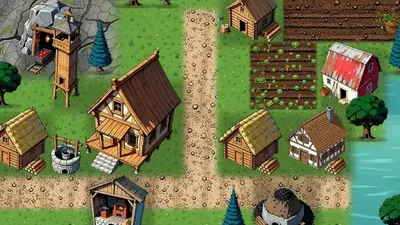
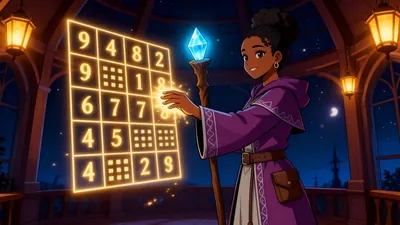
Some of the games






How to install it
- Android
- Tap “Install the app” and confirm. If no prompt appears, open the browser menu (⋮) and choose “Install app”.
- iPhone and iPad
- In Safari, tap Share and then “Add to Home Screen”.
- Computer
- In Chrome or Edge, click “Install the app” or the install icon in the address bar.